Text to meme generator
Turn any sentence into an editable meme.
Start with the text, not the template. FancyMeme turns a joke, reaction, or social post idea into meme drafts with caption layers you can customize before downloading.
Ready when your meme idea is.
Describe your idea above, or start from one of the popular templates below.
Popular meme templates
Start with a format people already recognize
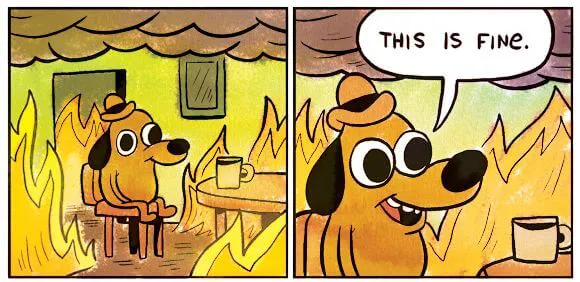
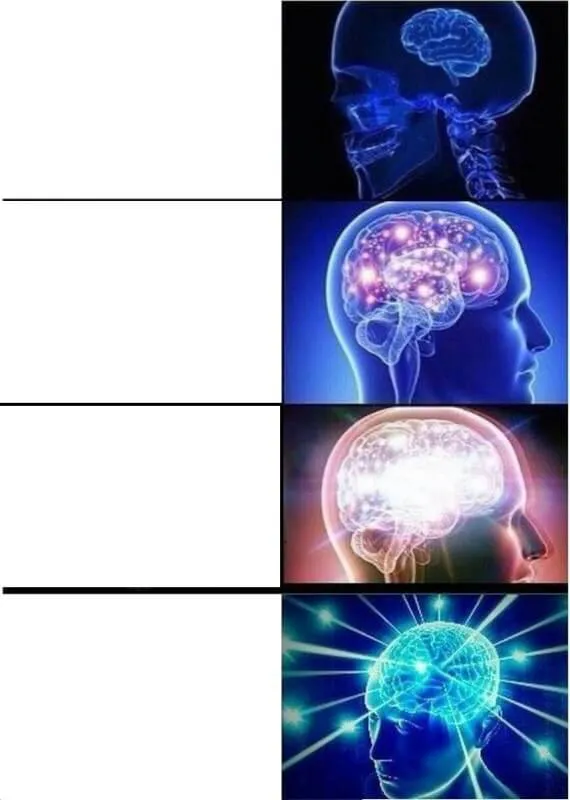
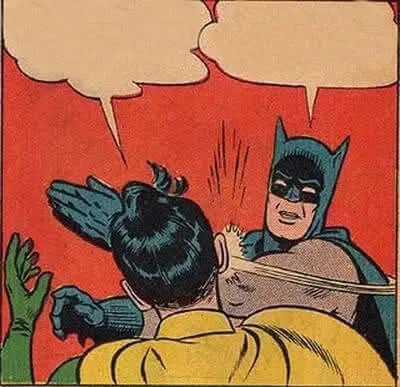
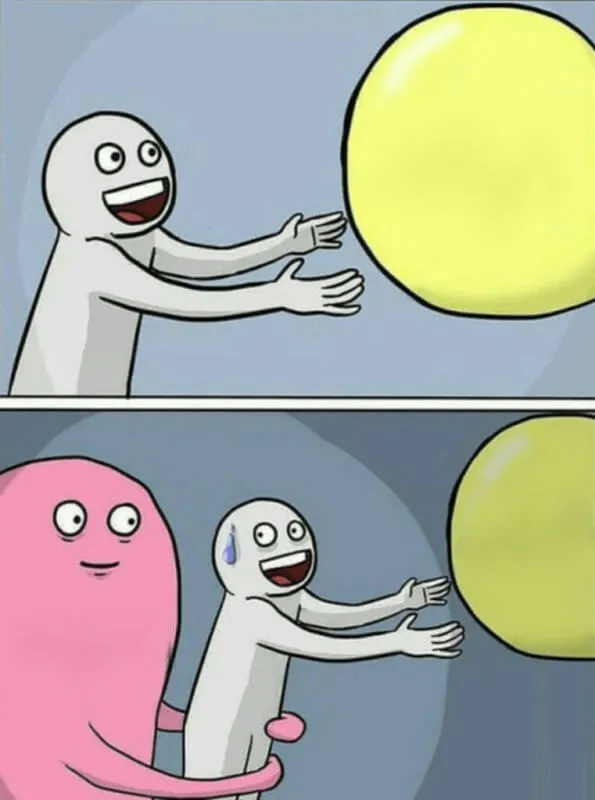
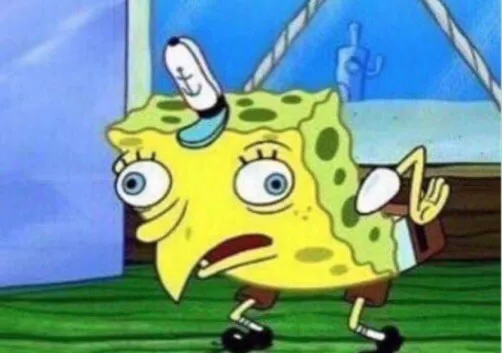
Text to meme
A fast path from sentence to editable meme draft.
Use Text to Meme when the line is already the joke and you want control over the caption. Paste a sentence, reaction, caption idea, or campaign thought, then refine the editable text layers before export.
A good text-first workflow should feel quick: write the text, compare drafts, edit the version that lands, and download the final meme. FancyMeme keeps the workflow focused on caption control, readability, and clean export.
Social captions
Turn a tweet, short post, or reply into a meme draft that is easy to scan on mobile.
Work jokes
Capture meeting moments, launch stress, product feedback, and team chat reactions.
Marketing angles
Convert a campaign line or audience insight into a meme concept before polishing the final caption.
Reaction memes
Start with the emotion, then match a template that makes the reaction obvious.
Fast workflow
Built for the shortest path from text to editable meme.
1
Paste the situation
Write the line, reaction, inside joke, campaign angle, or social post moment you want to make visual.
2
Compare meme options
Choose how many drafts to generate, then compare templates and caption angles before editing.
3
Edit and export
Open the strongest result in the editor, adjust the caption and layout, then download the finished meme.
Text to meme FAQ
How is this different from the AI meme generator page?
Text to Meme is for editable caption drafts. AI Meme Generator is for finished images with the meme text already rendered into the picture.
How many credits does text-to-meme use?
Each generated image costs 2 credits. You can generate up to 4 options in one run, and editing or downloading does not cost extra.
Do I need to pick a template first?
No. Start from the text. FancyMeme can match templates for you, and you can still browse the template library when you already know the format you want.