AI template matches
Caption ideas and quick edits
Share-ready meme export
Create Memes Online in Seconds
Start with an idea, then match a meme template, write the caption, edit the result, and export without a watermark.
Need editable caption layers instead? Try Text to Meme for editable drafts.
Popular meme templates
Start with a format people already recognize

Why it works
Make clear memes faster
Start with an idea, compare options, edit the best one, then export.
Works well for:
Social teamsCreatorsCommunity managersGroup chats
Faster workflow
Less searching, more choosing
Describe the moment and get meme options you can edit right away.
No template hunting first
Describe the moment and let the generator match the starting template for you.
No blank-caption paralysis
Get a first caption draft instead of starting from a blank editor.
No one-shot output
You can choose up to 4 meme options per generation, so iteration feels built in without wasting credits.
No separate export prep
After generating, you can edit and export the result for common sharing formats without rebuilding it elsewhere.
Everything you need to make a meme
Generate, edit, download, and share from the same browser workflow.
AI text-to-meme generation
Describe a joke, reaction, campaign angle, or group-chat moment and get meme directions you can edit.
Template matching built in
You do not need to remember meme names. FancyMeme helps choose formats that fit your idea.
Search by situation or mood
Use normal words like frustrated, surprised, choice, or success to find templates that match the feeling.
Popular meme template library
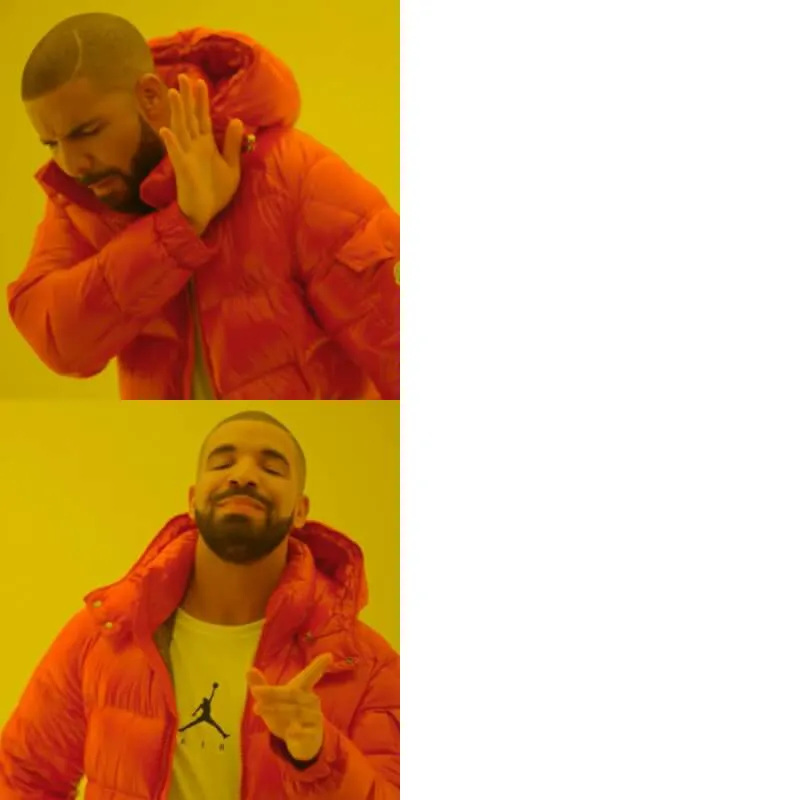
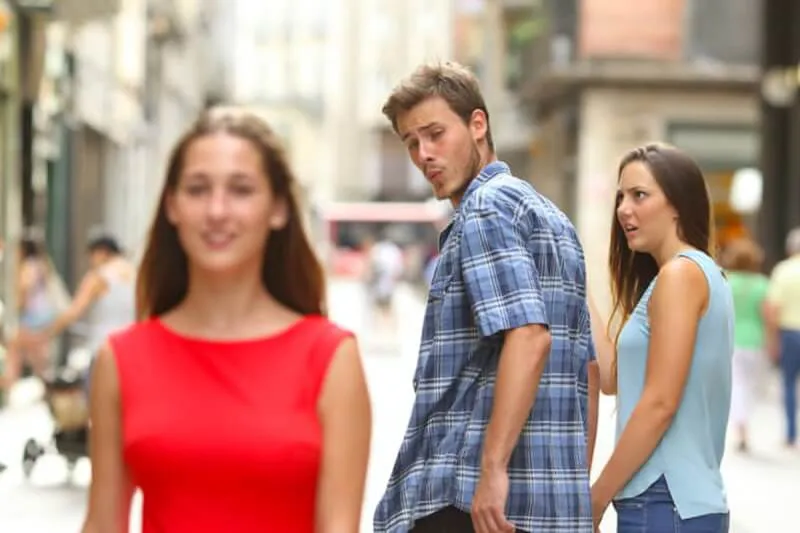
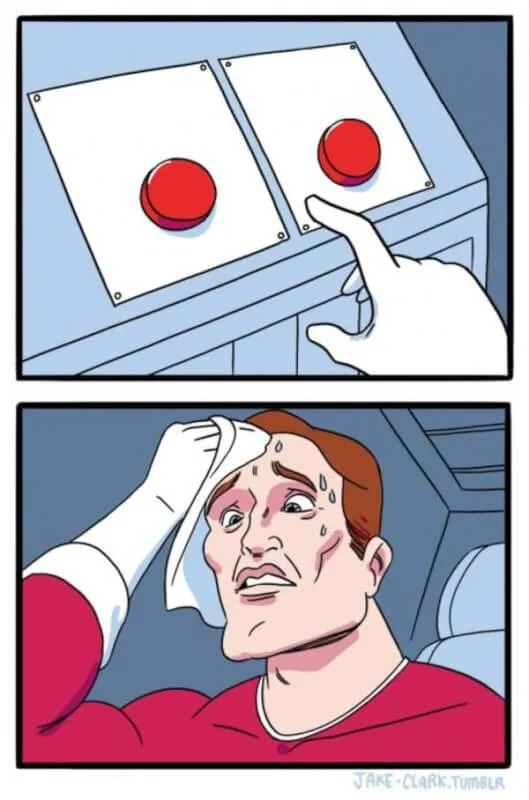
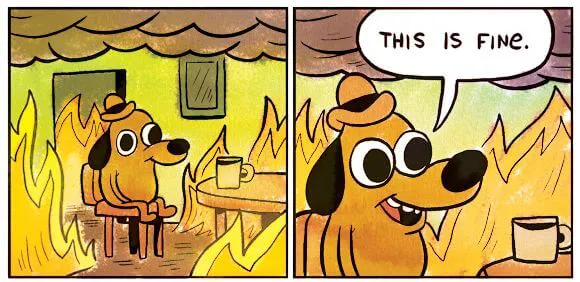
Start from recognizable formats like Drake, Distracted Boyfriend, Two Buttons, This Is Fine, and more.
Editable before export
Open any result in the editor, adjust text and placement, then download or share the finished image.
Clear generation cost
Choose how many images to generate before each run. Editing and exporting do not add another generation charge.
When plain text is not enough
Describe the moment and choose the meme that says it best.
Social media posts
Turn campaign jokes, trend reactions, and niche observations into shareable memes faster.
Team reactions
Keep Slack, Teams, and internal updates more human with memes that fit the moment.
Newsletters and decks
Drop a sharp meme into a presentation or newsletter without spending half the day building it.
Friends and group chats
Make inside jokes hit faster when you can go from idea to several options in one run.
How it works
Three steps from idea to meme
Start with an idea, compare a few directions, and polish the strongest meme in the editor.
1
Sign in
Create an account or sign in to use credits for AI meme generation.
2
Describe the situation
Type the joke, scenario, or internet feeling you want to express in plain language.
3
Get up to 4 meme options
Pick the strongest result, then edit, save, download, or share it without paying again.
Simple meme generator pricing
Buy credits when you need them. Each image costs 2 credits, with 1-4 options per run. Editing and downloads are free.
Starter Pack
$9.90
Up to 100 meme images
- 200 credits included
- About 25 generations at 4 images each
- Up to 100 total meme images
- Choose 1-4 options per generation
- One-time purchase
- Credits never expire
Most Popular
Creator Pack
$19.90
Up to 250 meme images
- 500 credits included
- About 62 generations at 4 images each
- Up to 250 total meme images
- Save about 20% per image
- Choose 1-4 options per generation
- One-time purchase
- Credits never expire
Best Value
Studio Pack
$49.90
Up to 750 meme images
- 1,500 credits included
- 1,200 credits + 300 bonus credits
- Best for channels, campaigns, and batch creation
- About 187 generations at 4 images each
- Up to 750 total meme images
- Choose 1-4 options per generation
- One-time purchase
- Credits never expire
2 credits
per generated image
1-4 options
chosen before each generation
0 extra
for editing, saving, downloading, or sharing
Pricing questions
The short version: credits scale with the number of images you choose.
Each generated image costs 2 credits. If you choose 4 options, the run costs 8 credits. Editing, saving, downloading, and sharing a successful result do not spend extra credits.
Yes. New accounts get 10 welcome credits, enough for up to 5 generated meme images. The generator always shows the credit cost before you run it.
Credit packs are not subscriptions, so there is no monthly refresh or surprise renewal. Your balance stays available for future generations.
Choose based on how many meme images you expect to generate. Larger packs include more credits and work better for regular posting or campaign batches.
You can use memes you create, but you are responsible for following third-party rights, platform rules, and brand guidelines.
Questions people ask before generating
Generation uses account credits, and the cost is shown before every run.
Generation is tied to your account credits, so signing in first keeps your free trial, saved results, and future generations in one place.
New accounts get 10 welcome credits, enough for up to 5 generated meme images. After that, users can buy more credits as needed.
Only generation consumes credits. The generator shows the total cost before each run, and you can choose the number of images first.
No. Once the generation succeeds, those follow-up actions don't add another generation charge.
Yes. Open the meme in the editor, adjust the text or layout, and export it in the format you need.